
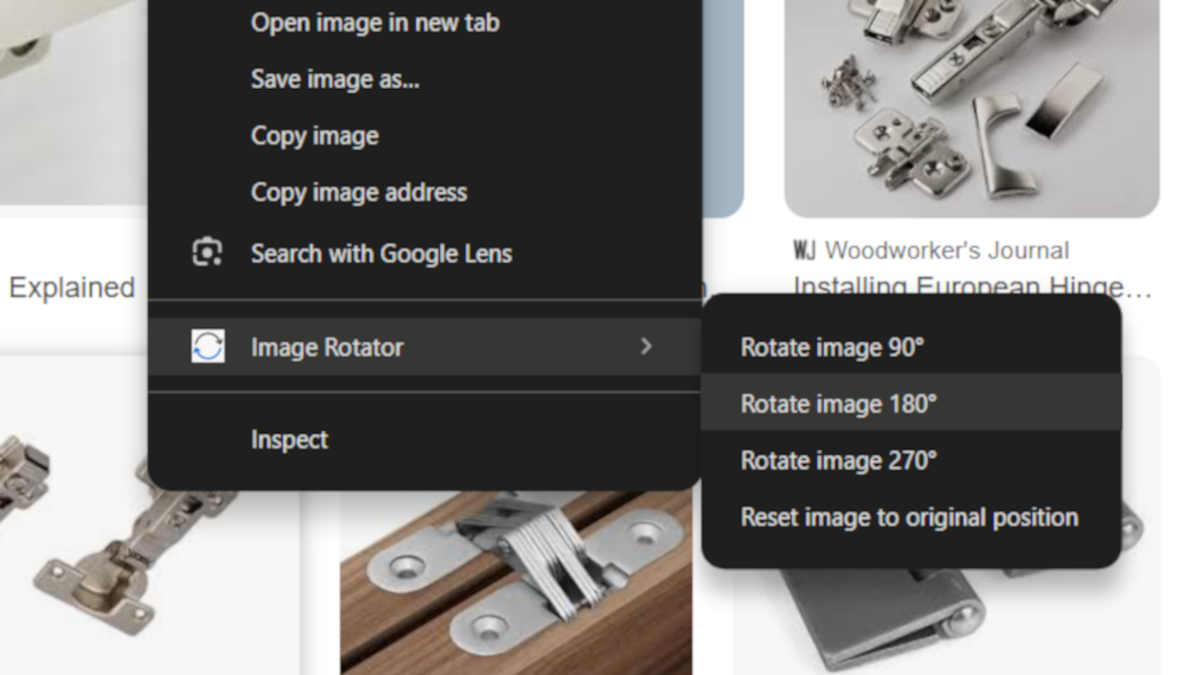

Few times i’ve ended up to situation where it would be nice to rotate an image on a website directly in the browser. This can happen for example when looking for a spare part and wanting to compare an image to a reference model. Of course Chrome Web Store has extensions for this, but I found it frustrating that installing one means granting permissions to the extension developer for my content. SO I had the idea to create extension myself as a practice project. Rotating an image only requires adding one CSS rule, and Ive created a few Chrome extensions before.
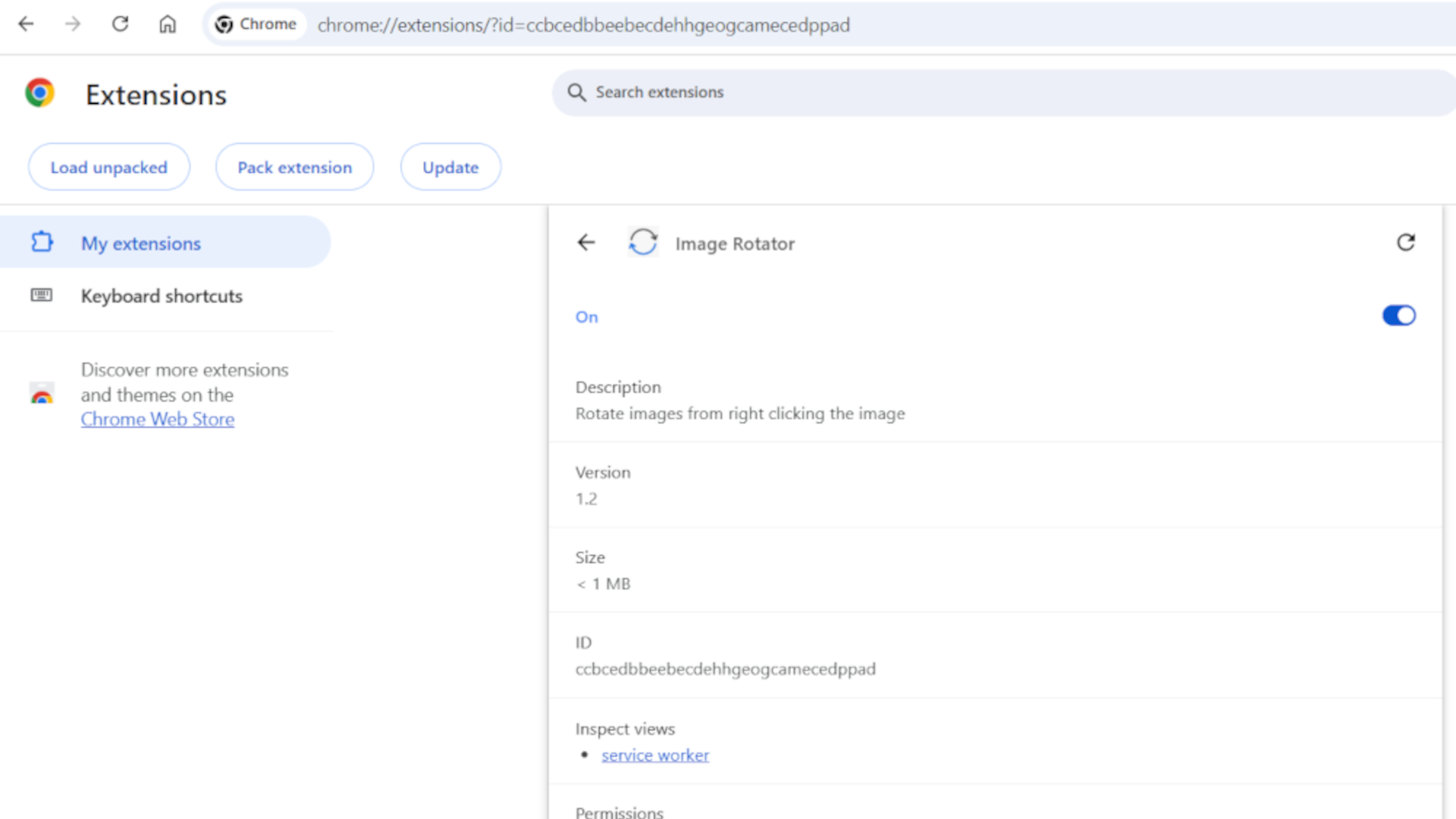
Now that the use of AI for different purposes is booming, I decided to save time and try so called Vibe Coding to see if I could have AI generated ready-made package without even going through every line of code. I gave a carefully designed prompt and pasted the given code into my editor. The whole project was ready to go in about five minutes, including pushing it to GitHub.
This doesn’t offer much in terms of learning, but it helps to realize how these tools can be usefully applied to simple tasks to save time.
Image Rotator is freely available on GitHub: